Understanding Compliance When Designing Long Government PDF Documents
Accessibility is no longer optional in government communications. For public-facing documents, WCAG 2.1 AA has become the baseline expectation, with PDF/UA compliance increasingly required for long-form reports and publications.
Yet for many organizations, accessibility remains unfamiliar territory. Not because the intent isn’t there, but because accessibility sits across multiple disciplines: design, content, data, technology, and interpretation.
The reality is simple: accessible documents are not created by designers alone, nor can they be reviewed successfully without client participation.
What Compliance Actually Means
One of the biggest challenges we see is confusion around compliance levels.
- WCAG 2.1 AA sets the minimum standard for accessibility in Canada’s public sector
- PDF/UA focuses on how PDFs are structured and read by assistive technologies
- AAA is often aspirational and not always practical for complex or scientific content
Passing an automated checker is not the same as delivering a usable, accessible document. Compliance requires structure, intent, and informed decision-making throughout the process executed by an experienced graphic designer.
Accessibility Is Built, Not Applied
Accessibility cannot be “fixed” at the end of a project.
It is embedded in:
- How text styles are structured
- How headings and reading order are defined
- How tables, figures, and links are built
- How colour and contrast are selected
- How content meaning is conveyed to non-visual users
When accessibility is treated as a layer instead of a system, remediation becomes expensive, time-consuming, and often incomplete.
The Designer’s Role and the Client’s Role
Designers are responsible for building an accessible framework: clean hierarchies, readable layouts, proper tagging, and visual clarity. Clients and subject-matter experts are responsible for meaning: validating figure descriptions, explaining data intent, confirming interpretation, and acknowledging when full remediation is not possible.
This is especially critical for:
- Scientific or technical figures
- Data-heavy charts and maps
- Screenshots or externally supplied imagery
In these cases, long descriptions, contextual explanations, and transparency about limitations are not compromises. They are best practice.
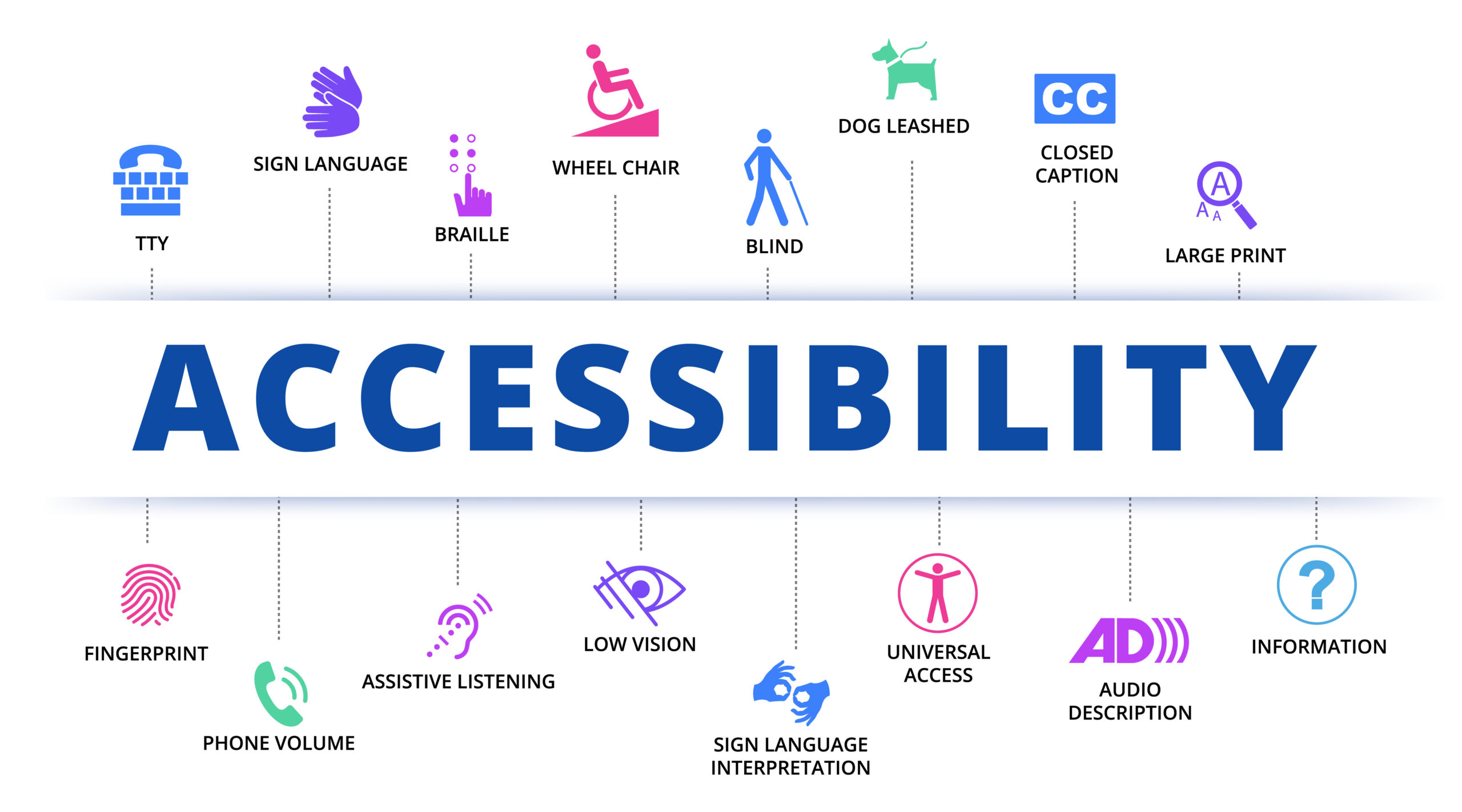
Accessibility concept infographics with all the icons
Where Accessibility Often Breaks Down
Accessibility issues rarely come from a lack of effort. They come from misalignment.
Common pressure points include:
- Visual graphics supplied as flattened images that cannot be edited
- Colour palettes that do not meet contrast ratios
- Over-designed layouts that complicate reading order
- Unclear expectations around who authors or validates alternative text
These are not design failures. They are process failures, and they can be avoided with early conversations and shared accountability.
A More Mature Way Forward
The strongest accessibility outcomes happen when:
- Compliance levels are clearly defined at the start
- Designers are trusted to build systems, not just pages
- Clients understand their role in providing meaning and validation
- Accessibility teams are engaged as collaborators, not gatekeepers
Accessibility is not about perfection. It is about maximizing usability within real-world constraints, and documenting decisions transparently.
Designing for Everyone
Accessible design is not restrictive. It is rigorous.
When done well, it results in documents that are clearer, more durable, easier to update, and more respectful of diverse audiences. As accessibility expectations continue to evolve, so too must the client–designer relationship. The work is better when accessibility is understood as a shared responsibility and approached with clarity, trust, and collaboration.
At KIMBO Design, this is how we approach accessibility: not as a checklist, but as a professional standard.